Brand guide.
The right truck.
A real connection.
One identity. Built for every road ahead.
Explore the identity
Commercial trucks. Personal service.
01 / The identity
The truck is
the wordmark.
The cab, lettering, and wheels work as one. The open gap beside the T keeps the shape clear and the name easy to read.
Keep the gap.
Use the supplied artwork. Keep the truck and lettering together, with the T gap open.
Give it room.
Leave at least the height of DEALER.COM clear on every side. Aim for 320px or more for the primary mark.
Choose the right contrast.
Use full color on white or mist, navy for one-color work, and the reverse mark on navy.
02 / Color
A palette that works.
Navy leads. Steel supports. White gives everything room.
Select a color to copy its HEX value. For print, use the supplied CMYK artwork and approve a printer’s proof.
03 / Typography
Bold where it matters. Light everywhere else.
Inter Bold / 700
Built for
the next job.
Inter Medium / 500
Commercial trucks.
Personal service.
Clear information. Helpful answers. A direct connection to the right truck.
One family. Three distinct weights.
Inter Light / 300 · supporting copyDirect. Knowledgeable. Helpful.
Tell us what you haul. We’ll help you find the right truck.
04 / In use
Made to go to work.
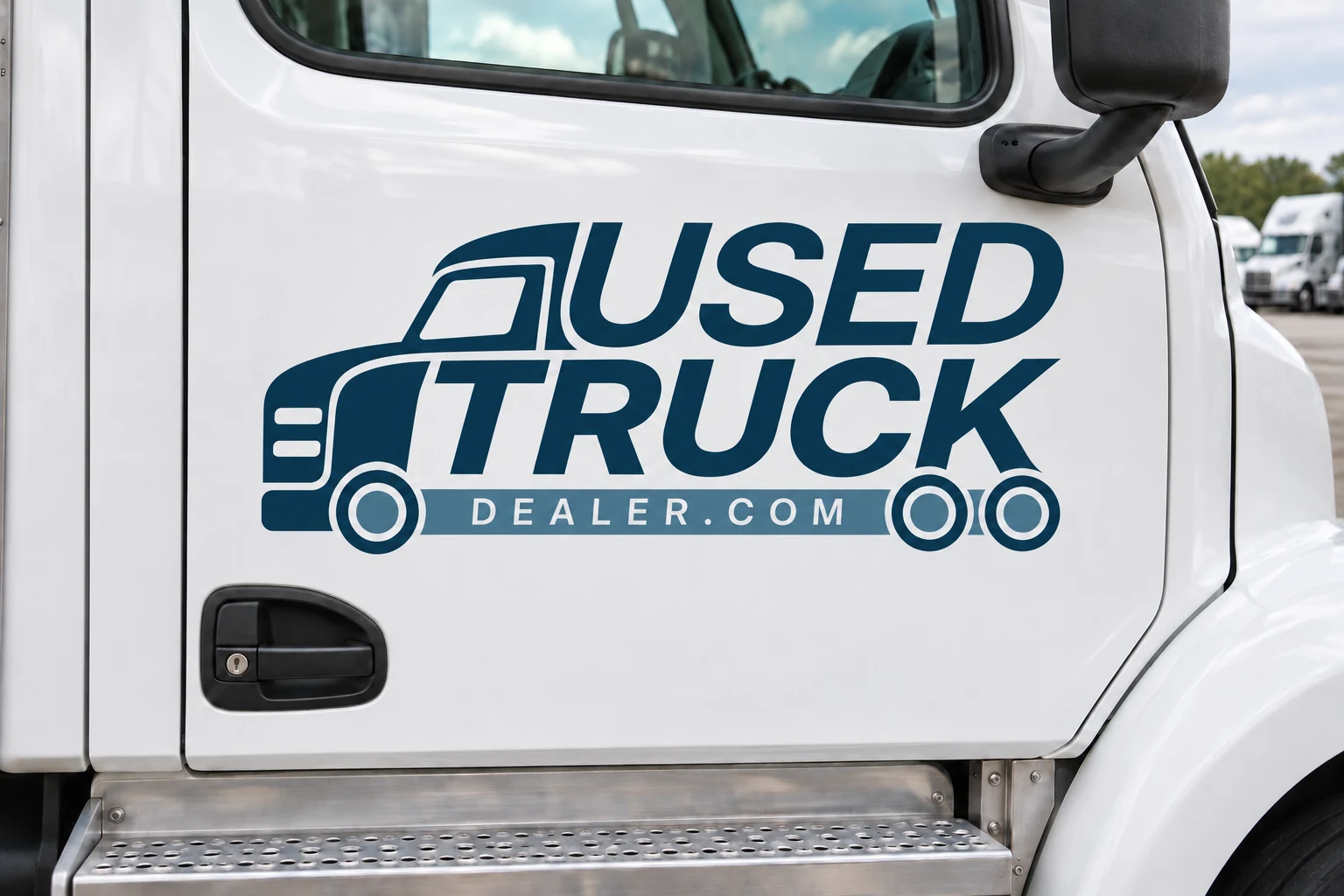
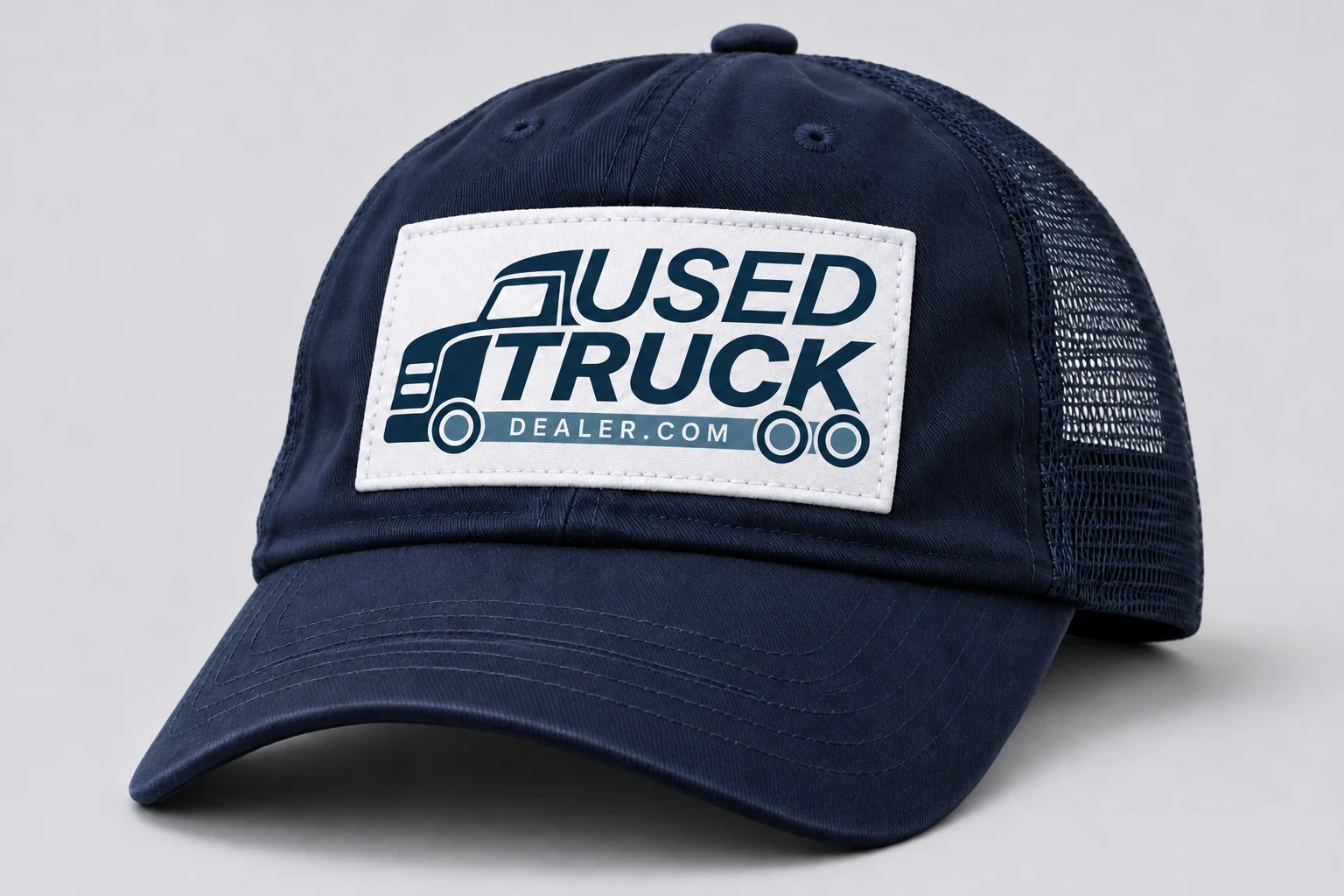
Application visualizations. Use the supplied artwork for production.
05 / Downloads
The right files. Ready to go.
Logo packEditable vectors + transparent PNGsDownload Brand guidelinesColors, type and usage · PDFDownload Fonts & swatchesTypefaces, licenses and color filesDownloadOpen AI or SVG files in Illustrator. Upload SVGs to Canva. Logo lettering is outlined vector artwork; the supplied fonts are for your layouts.